Reaction Simulator
Today you'll be looking at a reaction simulator that allows you to change several conditions of the simulation. Click on the screenshot below to open up the application (be patient - it may take a moment for the application to load). It should open in a new window.
DO NOT CLICK ON "INSTRUCTIONS." If you need help, as Mo or Mrs. Camasta.
Once the application has loaded, scroll below and answer the qustions as you explore the program.
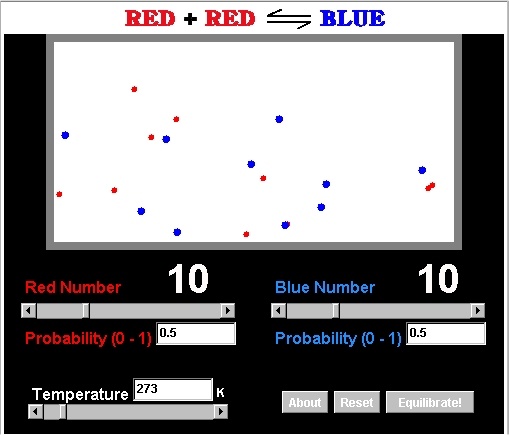
Directions - Think about these questions and answer them on paper as you play with the simulator.
1) Spend a few minutes (2-3) playing with the simulator. Get a feel for what the different sliders do. Discuss what you see with your partner. Ask Mo or Mrs. Camasta for help if you need it, but do not click on the "instructions" link at the bottom.
2) What happens when you turn up the "red number" and "blue number" ?
3) Think about the lab you did earlier this week, and things you've seen in Chemistry class. What does turning up the "red number" and "blue number" represent, in terms of qualities you've recently investigated?
4) What might "Probability (0-1)" represent?
5) What shortcomings does this visualization have? What are some simplifications that are being made? How would you improve it?